Guide
How To Block Ads On Dailymotion
August 31, 2026
Guide
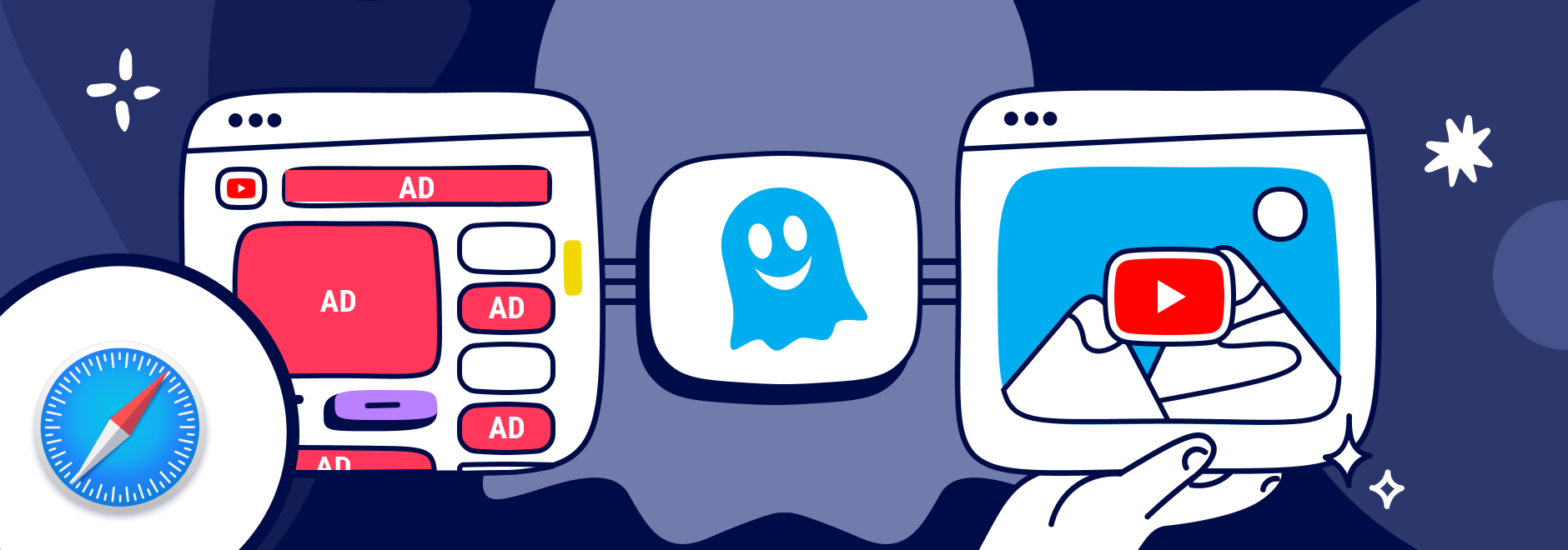
YouTube is one of the most popular video-sharing platforms in the world.
By June 2022, more than 500 hours of video were uploaded to YouTube every minute, which is about 30,000 hours of uploaded content per hour.
However, videos are interrupted often by ads, and they’re often irrelevant to your interests.
And while Safari comes with some built-in tracking protection, it does not block ads without using a browser extension.
We’ll explain different ways to block YouTube ads, including subscribing to YouTube Premium, using an ad blocker, or downloading a browser with ad blocking built-in.
YouTube ads are a way for the platform to generate revenue and support its creators, but some ads are more intrusive than others.
The main form of YouTube ads are:
These types of ads can negatively affect your YouTube experience in several ways.
For example, YouTube ads:
So you may wonder, “Can you block ads on YouTube?”
Here’s how to automatically skip ads on YouTube.
There are different ways to block YouTube ads for Safari but first let's review the installation.
Installing a Safari ad blocker extension only takes a few minutes and allows you to block ads and trackers across the web, including YouTube.
Safari uses a special Safari content blocker framework that allows extensions to filter advertising and tracking requests before the page loads.
On Mac
Once activated, the extension begins blocking ads automatically, including pre-roll ads, mid-roll ads, autoplay video ads, and pop-ups.
On iPhone and iPad
After activation, the extension will block advertising requests and improve browsing privacy while you watch YouTube videos.
YouTube Premium is a subscription service that offers several benefits for YouTube users. You can:
YouTube Premium includes a one-month free trial for new users.
Another way to block YouTube ads on Safari is to use an ad blocker extension for Mac, iPhone, and iPad. These adblocker Safari extensions act as content filters that remove unwanted ads before they load.
There are many ad blocker extensions available for Safari, and one of the best ones is Ghostery Ad Blocker. Ghostery’s Safari YouTube ad blocker is a powerful tool that blocks ads on YouTube and other websites and blocks trackers that monitor your activity across the web.
With Ghostery’s ad blocker extension, you can:
Many modern ad blockers also support interface customization options. For example, Ghostery allows users to enable dark mode support, making the dashboard easier to read during night browsing.
This feature does not directly affect ad blocking, but it improves usability and accessibility while managing tracker blocking, site allowlisting, and other extension settings.
To install Ghostery’s Safari ad block extension:
Never installed a browser extension on Safari? Check out our instructions on how to get started or watch our YouTube video guide.
Once you’re finished, you can block YouTube ads on Safari on almost any website you visit.
If you do not want to add an extension to Safari, then another option to block YouTube ads is to use a browser with ad block. An ad-blocking browser is a web browser that has a built-in ad blocker that automatically blocks ads from websites.
One of the best ad-blocking browsers is the Ghostery Private Browser.
Ghostery Private Browser is a fast, private browser that offers a smooth and ad-free browsing experience. With it, you can:
Ghostery’s Private Browser is free and easy to use. You can download it here.
TIP: Click here for ways to protect your privacy on Safari.
If your ad blocker stops working on Safari, there are a few quick steps that usually solve the problem.
First, make sure the extension is enabled in Safari → Settings → Extensions.
Second, check whether the Safari ad blocker extension is updated through the App Store. Developers regularly update blocking rules when websites introduce new advertising techniques.
Finally, reload the page or restart Safari. In most cases, these simple steps restore ad blocking functionality.
YouTube ads can be a nuisance for many users who want to enjoy their favorite videos without interruptions or distractions. Fortunately, you can block ads on YouTube using Safari by:
Whichever way you choose, you can start blocking ads on most websites.
Tip: Having the same issue with a different extension? AdBlock Plus can run into similar YouTube blocking conflicts. See our guide on AdBlock Plus not working on YouTube for help.
Get in touch if you have any questions. We’re always happy to help.
To stop autoplay ads in Safari on both desktop and mobile, follow these steps:
To stop Safari from automatically redirecting to the YouTube app on an iPhone or iPad, you can use these steps:
1. Use Desktop Mode: Open Safari, visit YouTube, tap the "AA" icon in the address bar, and choose Request Desktop Website. This loads the desktop site version, preventing app redirection.
2. Disable the YouTube App Temporarily: Go to Settings > YouTube, and toggle off "Allow App to Open Links" if available, which may help keep you on Safari.
3. Alternative Browsing Mode: Using Private Browsing in Safari can sometimes prevent automatic app launches since it restricts some link handling.
The best ad blocker for YouTube on Safari is Ghostery. This popular ad-blocking extension effectively blocks intrusive ads, pop-ups, and trackers, creating a smoother, faster browsing experience on Safari. Ghostery’s smart blocking technology automatically optimizes pages for performance by filtering out unwanted content, especially useful for YouTube, where different types of ads can disrupt video streaming.
To use Ghostery on Safari, install the extension from the App Store or Safari Extensions Gallery. Once enabled, Ghostery detects and blocks ads and trackers across the web, including on YouTube. It also offers a detailed tracker list, allowing you to customize what to block or allow. Ghostery respects privacy, keeping tracking data off their servers, which enhances both privacy and speed on YouTube and all other sites.
Safari includes a privacy protection framework that supports Safari content blocker technology, but it does not automatically block all advertisements.
Instead, Safari allows developers to build Safari extensions that use Apple’s content blocking system to filter ads, trackers, and scripts before a page loads.
Because of this design, users typically install a Safari ad blocker extension like Ghostery to enable full ad blocking functionality.
Yes. You can block ads on Safari mobile by installing a Safari ad blocker extension on your iPhone or iPad.
After downloading an ad blocker from the App Store, enable it in Settings → Safari → Extensions. The extension then acts as a Safari content blocker, filtering advertising scripts and trackers before websites load.
This approach removes many YouTube ads and improves browsing privacy on mobile devices.
In most cases, ad blockers actually make Safari faster rather than slower. By preventing advertising scripts, trackers, and autoplay video ads from loading, pages require fewer network requests and less data.
This reduces bandwidth usage and can significantly speed up page loading times. Many users also notice improved browsing privacy, because the extension blocks trackers that collect personal data.
If there is anything you miss in Ghostery or have any questions, please drop a line to support@ghostery.com. We’re happy to talk to you anytime.