Manifest V3
The Future of Ad Blockers is Changing - Ad Blockers Will Stop Working
April 09, 2023
Manifest V3
Getting the YouTube anti-adblock notice? Check out our post update What's Happening with YouTube Ads?
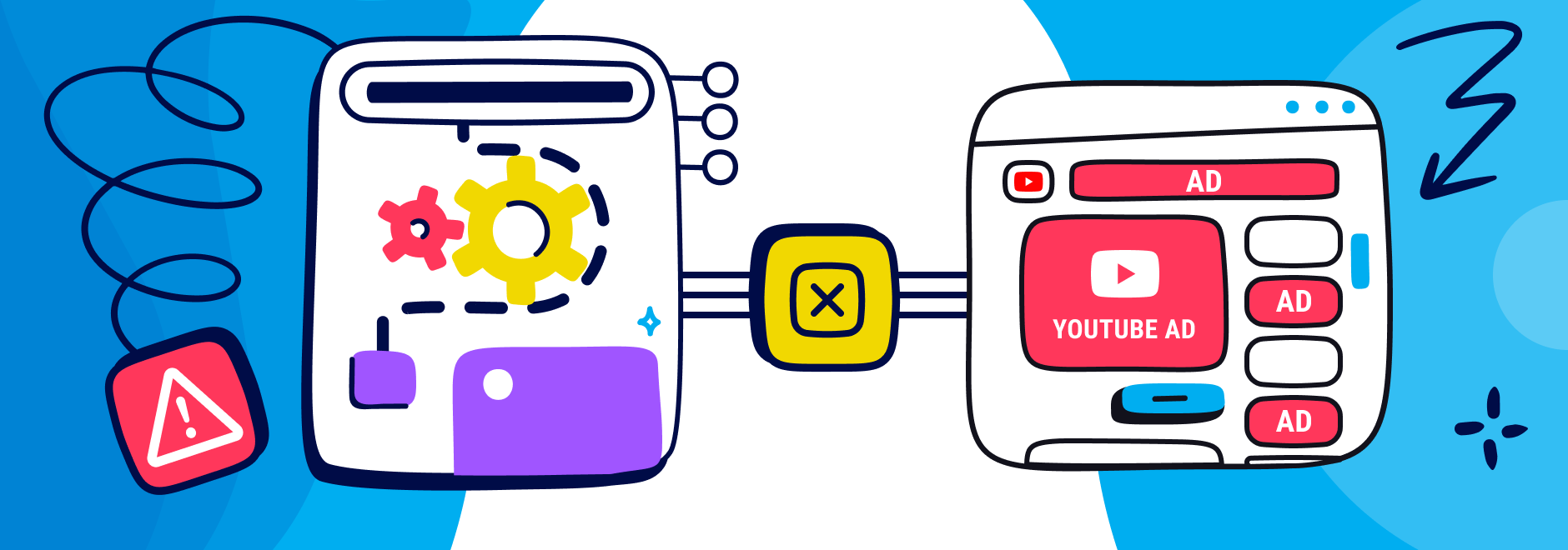
Many people use an ad blocker to enjoy a smoother and less annoying online experience. But some of them notice ad block not working on YouTube like it used to. They are not alone. Many users report that they see more ads on YouTube, even with their ad blockers enabled. What causes this problem? And more importantly, how can they fix it?
This post explains the problem of "ad block not working on YouTube", and how it relates to recent changes in the way Chromium browsers work. This includes Chrome, Edge, Opera, and Vivaldi, among others. It also gives some troubleshooting tips and alternative solutions to help users block ads on YouTube effectively.
If you’re experiencing issues with your ad blocker for YouTube videos, here are some steps you can try to fix them:
1. Update your ad blocker to the latest version. Some ad blockers have updated their rules or algorithms to adapt to a major update by Google, like Ghostery Tracker & Ad Blocker.
2. Clear your browser cache and cookies. This may help remove any leftover ads or trackers that your ad blocker missed.
3. Disable or uninstall any other extensions that may interfere with your ad blocker. Some extensions may conflict with your ad blocker or allow ads and trackers to slip through. For instance, using more than one ad blocker at a time can cause conflicts and reduce performance. It is recommended to use only one ad blocker at a time.
4. Try a different browser. Some browsers may have different implementations of Google’s big update, Manifest V3, or different support for ad blocking extensions. For example, Firefox supports both Manifest V3 and the previous extension implementation, Manifest V2, so your ad blocker will work better on Firefox than Chromium-based browsers like Chrome, Edge, and Opera.
If none of the above steps work for you, or if you’re looking for an alternative solution for effective YouTube adblock, then take a look at Ghostery.
Ghostery is a browser extension that blocks ads and trackers on any website, including YouTube. Ghostery is compatible with Manifest V3 and works well on Chrome, Edge, Opera, and other browsers. You can customize Ghostery’s settings to suit your preferences and needs and look at the Ghostery panel to see how many ads and tracking requests it detected and blocked on the page.
On browsers where Ghostery has more flexibility, like Firefox, Ghostery will not need to rely solely on predefined rules or lists to block ads and trackers. Instead, Ghostery uses a smart algorithm that analyzes the behavior and characteristics of web requests and blocks them if they match the criteria of ads or trackers.
Google changed its extension system with a major update called Manifest V3 to improve security, performance, and privacy. However, it also limits how extensions can modify websites and requests. This includes ad blocker extensions that need to filter out ads and trackers on YouTube.
YouTube videos are one of the most popular and profitable platforms for online advertising. It’s also one of the most challenging platforms for ad blockers to deal with. YouTube uses various techniques to bypass ad blockers, such as:
These techniques make it harder for adblock extensions to identify and stop ads and trackers on YouTube. And with Google’s major update, Manifest V3, limiting the capabilities of ad blockers even further, it’s no wonder that many users are seeing more ads on YouTube than before.
Manifest V3 is a new set of rules and standards for Chrome extensions, introduced by Google in 2019. According to Google, Manifest V3 aims to improve the security, performance, and privacy of Chrome extensions. Google also claims that it gives users more control over what extensions can do and how they can access user data.
However, Manifest V3 also makes some changes that limit what extensions can do and how they can work. Specifically, Manifest V3 changes the way extensions can interact with websites and modify what you see on them. This major change restricts the number and complexity of rules that ad-blockers can use to block or modify web requests.
These changes affect ad blockers because they need to interact with websites and modify their requests to filter out unwanted ads and trackers. With Manifest V3, adblock extensions can only use a limited number of simple rules to do this, which may affect their ability to catch all the ads on YouTube.
YouTube continuously changes how advertisements are delivered in order to prevent ad blockers from filtering them. Modern ad delivery techniques such as server-side ad insertion and stricter Chrome Web Store policies make it harder for extensions to block ads reliably.
Because of these changes, users sometimes notice unskippable ads, black screens, or ads appearing even when their ad blocker is enabled.
However, this doesn’t mean ad blockers no longer work. Developers frequently release daily filter updates to respond to YouTube’s changes and restore blocking functionality.
One reason ad blockers struggle with YouTube is server-side ad insertion technology.
Instead of loading ads as separate elements on the page, YouTube can embed advertisements directly into the video stream itself. This makes the ads appear as part of the video file rather than a removable element.
When this happens, ad blockers cannot simply hide the ad container. Instead they must detect patterns in the stream and update their filters accordingly.
Another factor affecting ad blockers is Chrome Web Store policy changes related to Manifest V3 and remote execution policies.
Google has tightened rules on extensions that rely on remote execution policies, which previously allowed some blockers to dynamically update filtering behavior.
These restrictions affect many Chrome-based browsers, including Chrome, Edge, Brave, and Opera.
As a result, some ad blockers must redesign their filtering methods, which can temporarily lead to ads appearing until new updates are deployed.
If browser extensions struggle to block ads, there are other methods users can consider.
These solutions operate at different levels of the network or device and can complement browser-based ad blocking tools.
System-wide ad blockers filter advertising traffic across your entire device rather than only inside the browser.
They typically use DNS filtering or system-level filtering to block known advertising domains.
This approach can prevent many ads from loading across apps and browsers, although it may not block ads embedded directly into video streams.
Another option is network-level ad blocking, which filters advertising traffic across an entire home network.
Tools like Pi-hole operate at the router level and prevent devices from contacting known advertising and tracking domains.
While this can significantly reduce tracking across devices, it still may not remove ads that are inserted directly into video streams.
Some users choose YouTube Premium as an official solution for removing ads.
YouTube Premium removes most ads from videos and includes additional features such as background playback and offline viewing.
However, many users still prefer privacy tools like Ghostery because they block trackers and advertising technologies across the entire web, not just on YouTube.
Ad blockers are no longer working as well as they used to on YouTube in Chrome, Edge, and Opera because of Manifest V3 and YouTube’s own efforts to bypass them. However, this does not mean that you have to give up on your ad blocker not working on YouTube.
You don’t have to put up with ads on YouTube anymore. Fix your adblock for YouTube with Ghostery. Ghostery lets you see how many ads and trackers it has blocked for you. It's free to download, easy to use and one of the adblockers that still work on YouTube.
Tip: If you're using a specific extension like uBlock Origin, this Manifest V3 issue can show up slightly differently. Read our dedicated guide on uBlock Origin not working on YouTube for extension-specific fixes.
An ad blocker is a browser extension that blocks ads and trackers on websites. You need an ad blocker to enjoy a smoother and less annoying online experience. An adblocker for YouTube like Ghostery can also protect your privacy, save your bandwidth, and improve your security.
Online trackers can collect information about your browsing activity across websites to build profiles, measure your behavior, and personalize advertising. This can reduce your privacy and give companies insight into your online habits without always making that tracking obvious. Ads can also contain trackers, clutter pages, slow down browsing, and in some cases be used to distribute malicious content or malware. Ghostery helps by blocking ads and trackers while showing you which tracking technologies are present on the websites you visit.
YouTube is using various techniques to bypass ad blockers. These techniques make it harder for ad blockers to identify and block ads and trackers on YouTube. Download Ghostery, a privacy browser extension that blocks ads, trackers, and cookie pop-ups, to block YouTube ads. Ghostery also provides information about the types and sources of trackers on sites you visit.
Manifest V3 is a new set of rules and standards for Chrome extensions that limits their capabilities, including YouTube ad blockers. This affects ad blockers because they can only use a limited number of simple rules to filter out ads and trackers on sites like YouTube.
If your ad blocker is not working on YouTube, Ghostery is a browser extension that blocks ads and trackers on any website, including YouTube. Learn more about how Ghostery blocks YouTube ads here.
Yes. Many ad blockers still work with YouTube, but they rely on frequent filter updates to stay effective.
YouTube regularly modifies how ads are delivered, which means ad blocker developers often push daily filter updates to restore blocking functionality.
Tools like Ghostery also combine tracker blocking and privacy protection, which helps prevent many advertising scripts from loading in the first place.
Safari requires ad blockers that follow Apple’s content-blocking framework.
Ghostery is a strong option because it blocks trackers, advertising scripts, and other intrusive elements while maintaining compatibility with Safari’s privacy architecture.
This allows users to enjoy cleaner playback while preventing tracking technologies from profiling their viewing behavior.
If ads suddenly appear again, it often means the extension needs updated filters.
Try the following steps:
• Update the extension
• Refresh filter lists
• Test the extension in incognito mode
Running the extension in incognito mode can help as YouTube may decide to behave differently for not logged-in users.
No, but YouTube sometimes runs unskippable ads that cannot be skipped for several seconds.
These ads are often used in newer advertising formats or when server-side ad insertion is enabled.
If an ad blocker fails to bypass these formats, users may experience black screens or delayed playback while the extension attempts to filter the ad.
If there is anything you miss in Ghostery or have any questions, please drop a line to support@ghostery.com. We’re happy to talk to you anytime.